Create Linux Live USB Stick with UNetbootin.
Easy way to test a lot of other linux distributions or play around with some system utilities.
You can install the following OS and System utilities with unetbootin.
Operating Systems

* Ubuntu		* Fedora
* Debian		* PCLinux OS
* Linux Mint		* Sabayon Linux
* openSUSE		* Gentoo
* Arch Linux		* MEPIS
* Damn Small Linux	* Zenwalk
* SliTaz		* Slax
* Puppy Linux		* Dreamlinux
* gNewSense		* Elive
* FreeBSD		* CentOD
* NetBSD		* Mandravia
* Frugalware Linux	* xPUD

System utilities

* Parted Magic
* SystemRescueCD
* Super Grub Disk
* Dr. Web Antivirus
* F-Secure Rescue CD
* Kaspersky Rescue Disk
* Backtrack
* Ophcrack
* NTPasswd
* Gujin
* Smart Boot Manager
* FreeDos
1. Installation:
aptitude install unetbootin
2. Create Live USB Stick2:
Open UNetbootin from your start menue:
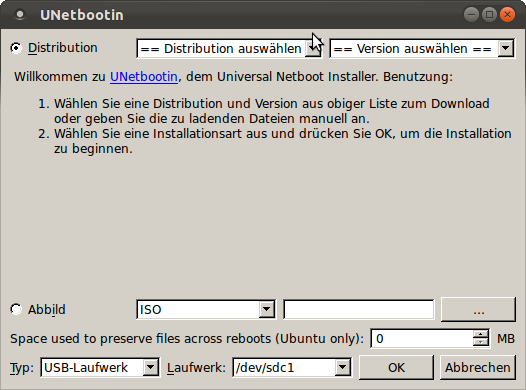
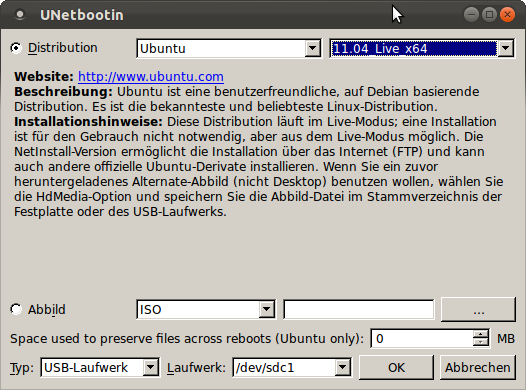
Select Distribution and Version with the Selectbox on the top. I choose Ubuntu 11.10 for example.
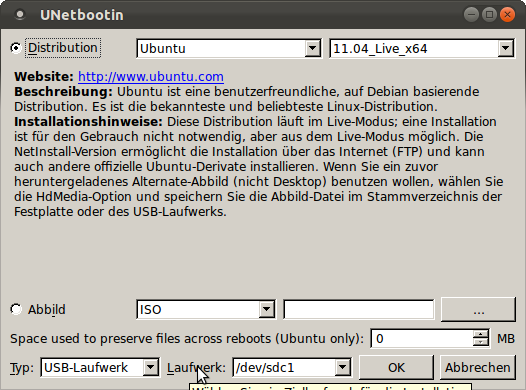
Make sure you have selected the correct USB-Drive at the bottom of the window.
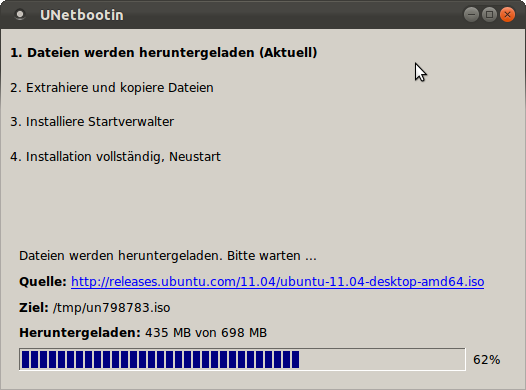
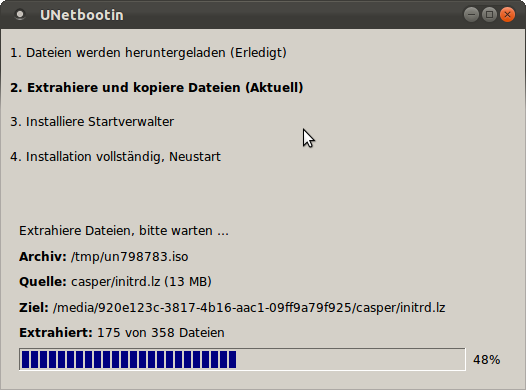
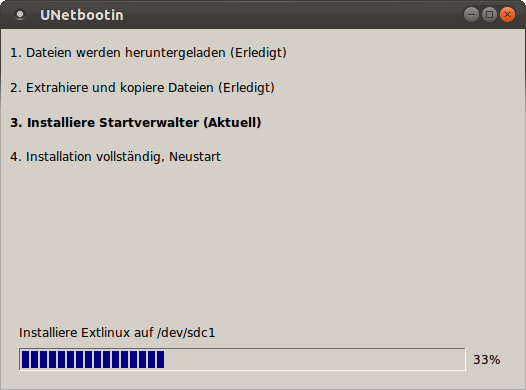
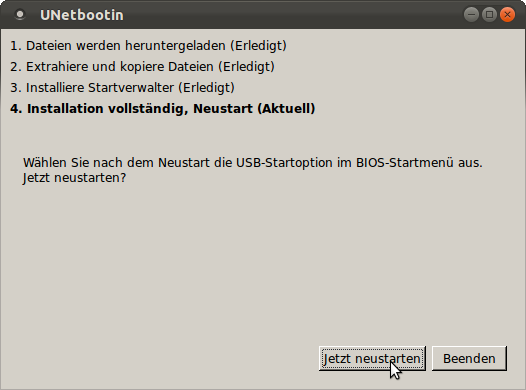
UNetbootin now download the selected Operating System and install it on the Stick.
3. Boot from USB:
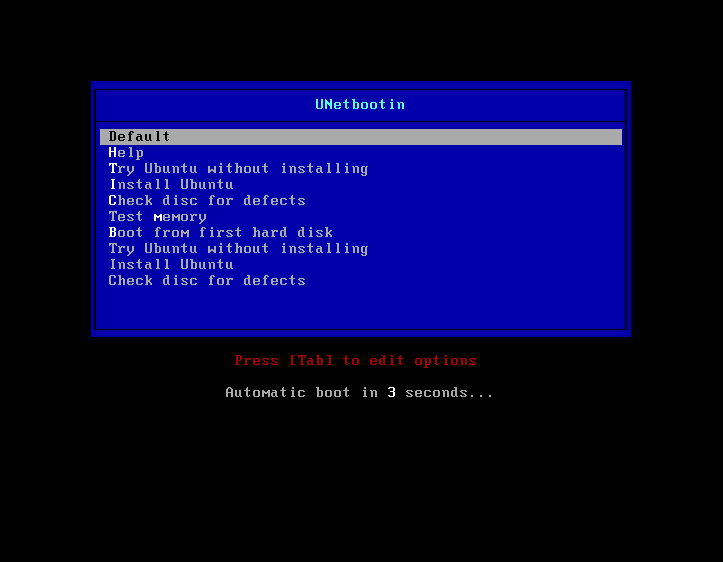
Unmount the stick and reboot your system. Make sure you are booting from USB-Drive.

Note: UNetbootin is available for Linux, Windows and MacOS !
Schreibe einen Kommentar