Two-factor authentication with Guacamole 1.1.0 (Part 4)
You can add totp-auth to your Guacamole login process. You can use any TOTP App like „Google Authenticator“ or „OTP Auth“ to add a two-factor authentication to Guacamole.
First download and install the totp-auth plugin:
cd /usr/src/
wget http://apache.mirror.digionline.de/guacamole/1.0.0/binary/guacamole-auth-totp-1.0.0.tar.gz
tar xvzf guacamole-auth-totp-1.0.0.tar.gz
cp /usr/src/guacamole-auth-totp-1.0.0/guacamole-auth-totp-1.0.0.jar /etc/guacamole/extensions/
Now configurate ‚/etc/guacamole/guacamole.properties‘ with your favorite editor and add the following line:
totp-issuer: My Guacamule TOTP
Change the value to your prefered name.
Now restart tomcat and test it:
systemctl restart tomcat9
After login (with an admin user!) you should see this:
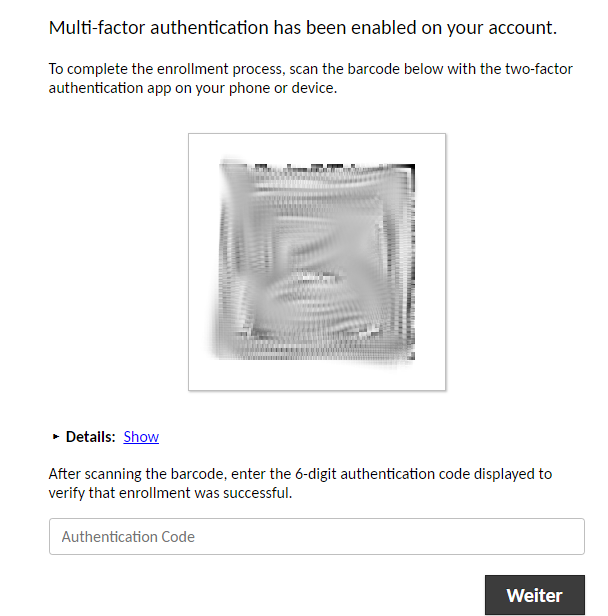
Now scan the QR-Code with your mobile phone.
This only works currently for admin users. Because each user needs the privilege to change his own password. You can change this setting for users in the preferences of the user.
Users without this setting still can login but without the two-factor authentication.
Reset the two-factor
If the user lost his phone you need to reset the totp for the user to establish a new one.
mysql -u root -p
use guacamoldb;
SELECT user_id FROM guacamole_user INNER JOIN guacamole_entity ON guacamole_entity.entity_id = guacamole_user.entity_id WHERE guacamole_entity.name = 'guacadmin';
Now you get the userid of the user guacadmin which should be #1.
Reset totp for user with id #1.
UPDATE guacamole_user_attribute SET attribute_value='false' WHERE attribute_name = 'guac-totp-key-confirmed' and user_id = '1';
quit;
Setup LDAP/AD authentication for Guacamole 1.1.0 (Part 3) Servermanagement with Cockpit on Debian 10
Thanks very nice
nice.
How can we reset this inside a docker environment?
I’m able to login to the shell of the docker container and inside there isn’t any mysql instance running.
I’m just missing the ability to let a user change its TOTP Token by himself.
Getting the TOTP Key From the Guacamole Database:
I’m using synology docker to build this.
Connect to postgresql:
psql guacamole _db -U guacamole
This is the query:
guacamole_db=> select entity.name, uid.user_id, uattr.attribute_value from guacamole_user as uid,guacamole_user_attribute as uattr,guacamole_entity as entity where uattr.attribute_name=’guac-totp-key-secret‘ and uid.user_id=entity.entity_id and uid.user_id=uattr.user_id;
And the result:
name | user_id | attribute_value
———–+———+———————————-
guacadmin | 1 | H6SZ————————TFRH
——————————————————-
——————————————————–
update | 10 | PU25————————QIH7
Thanks Sebastian very helpful.
[…] Sebastian Mogilowski’s Blog article titled Two Factor Authentication with Guacamole 1.1.0 Part 4. […]